

See where your employees and users actually get blocked.
Adoption Layer logs natural-language questions asked at the exact moment of hesitation. Turn user confusion into clear action items for IT, Operations, and Product teams.
One source of truth for friction. Across your internal tools and third-party SaaS.
The same question log covers your proprietary web apps and, through the managed Chrome extension, Salesforce, SAP, Workday, ServiceNow and every SaaS your teams use.
Analytics show where users click. Not why they struggle.
A high drop-off rate on an internal form or SaaS screen does not tell you what the user intended to do. Session recordings display cursor movements without explaining the roadblock.
Adoption Layer captures the user's natural-language question alongside full page DOM context. You immediately see which business rule, UI label, or button caused the friction.
Drop-off without intent
A 40% abandon rate on a form tells you people left. It does not tell you which field, rule or label stopped them.
Session replays nobody watches
Hours of cursor movement to find one hesitation. The context is there, but no one has time to mine it.
Tickets that arrive too late
By the time a request reaches support, the user already lost twenty minutes and the original question is gone.
From user friction to process improvement
Capture live context
Every interaction records the user's question, active URL, DOM structure, and guidance outcome.
Identify recurring patterns
Repeated queries surface confusing forms, training gaps, or documentation topics that need immediate coverage.
Take action quickly
Deploy a proactive hint, update your knowledge base, or dispatch an issue to your project backlog.
“Every question a user asks is a defect report you did not have to write.”
Adoption Layer turns the moment of hesitation into structured data: the question, the screen, the elements involved and whether guidance solved it. Your roadmap starts from evidence, not from guesswork.
Where adoption analytics pays off
Three patterns we see every week: a hidden business rule, a form that fails silently, a feature nobody finds. All three surface in the question log first.
Hidden business rules
Users keep asking why an invoice, a request or an order is blocked. The insight names the rule and the screen, so you can surface it in the interface instead of answering the same question forever.
Forms that fail silently
A validation nobody explains, a mandatory field that looks optional. The question curve spikes, you ship a hint or a label fix, and you watch the curve flatten the following week.
Features nobody finds
The capability exists, the user searches for it under another name. The log shows the exact words they use, so your team can rename, move or highlight the feature where they expect it.
From raw questions to a prioritized backlog
Two views, one workflow: find the screens that generate friction, then triage the insights the AI has already grouped for you.
Friction by screen
Question volume, resolution rate and satisfaction per URL, over 7, 30 or 90 days. Sort by volume to find the screen worth fixing first, then open any session with its full technical context.
Insight triage
Similar questions are merged into one insight with a nature (confusing UI, business rule, bug, missing documentation), a session count and a resolution rate. Mark them seen, dismiss them or turn them into a hint in one click.
In-browser DOM isolation & local data masking
Questions and page context are captured with personal data masked in the browser before anything leaves the tab. Hosted in Europe, designed for banking, healthcare and security-critical workflows.
No screen recording
No video, no screenshots. Only the structural HTML and accessible ARIA attributes of the page are captured alongside the question, enough to locate the friction.
Client-side PII masking
Field values, names, IBANs and personal records are masked in the browser before any network call. The insight keeps the structure, never the data.
Sovereign EU infrastructure
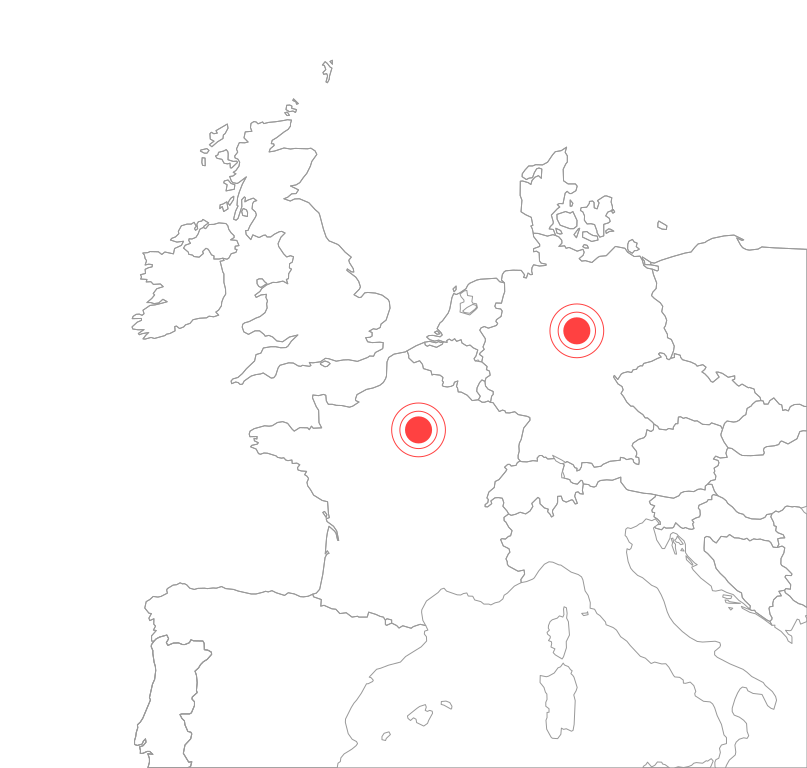
AI inference runs in the Paris region and application infrastructure in Germany, in full compliance with GDPR. Nothing leaves the EU.
Domain allowlisting
Your IT organization controls the exact list of URLs where questions are logged. The extension stays inert everywhere else.
Frequently asked questions
How adoption analytics fits with your existing tools, your privacy requirements and your product process.
How is this different from product analytics or session replay?
Do I need to tag events or define funnels?
How are questions grouped into insights?
Does it work on third-party SaaS like Salesforce or SAP?
What happens to personal data in the captured context?
Who typically uses the insights?
The layer that turns questions into improvements
Adoption analytics measures what live guidance resolves, what proactive hints prevent, and what still needs a human.
Measure and improve software adoption today.
See the exact questions your users ask and streamline complex workflows across your organization.
A tailored demo built on your enterprise software and web applications.